Producing dashboards in Tableau EEA training (2025)
Target audience
This training is intended for beginners – staff at the EEA and ETCs who are new to Tableau or dashboard creation. No advanced technical background is required. Some basic understanding of data and visualisation principles is helpful, but not mandatory. The content will be tailored to those taking their first steps in dashboard design
Learning objectives
By the end of the training, participants should be able to:
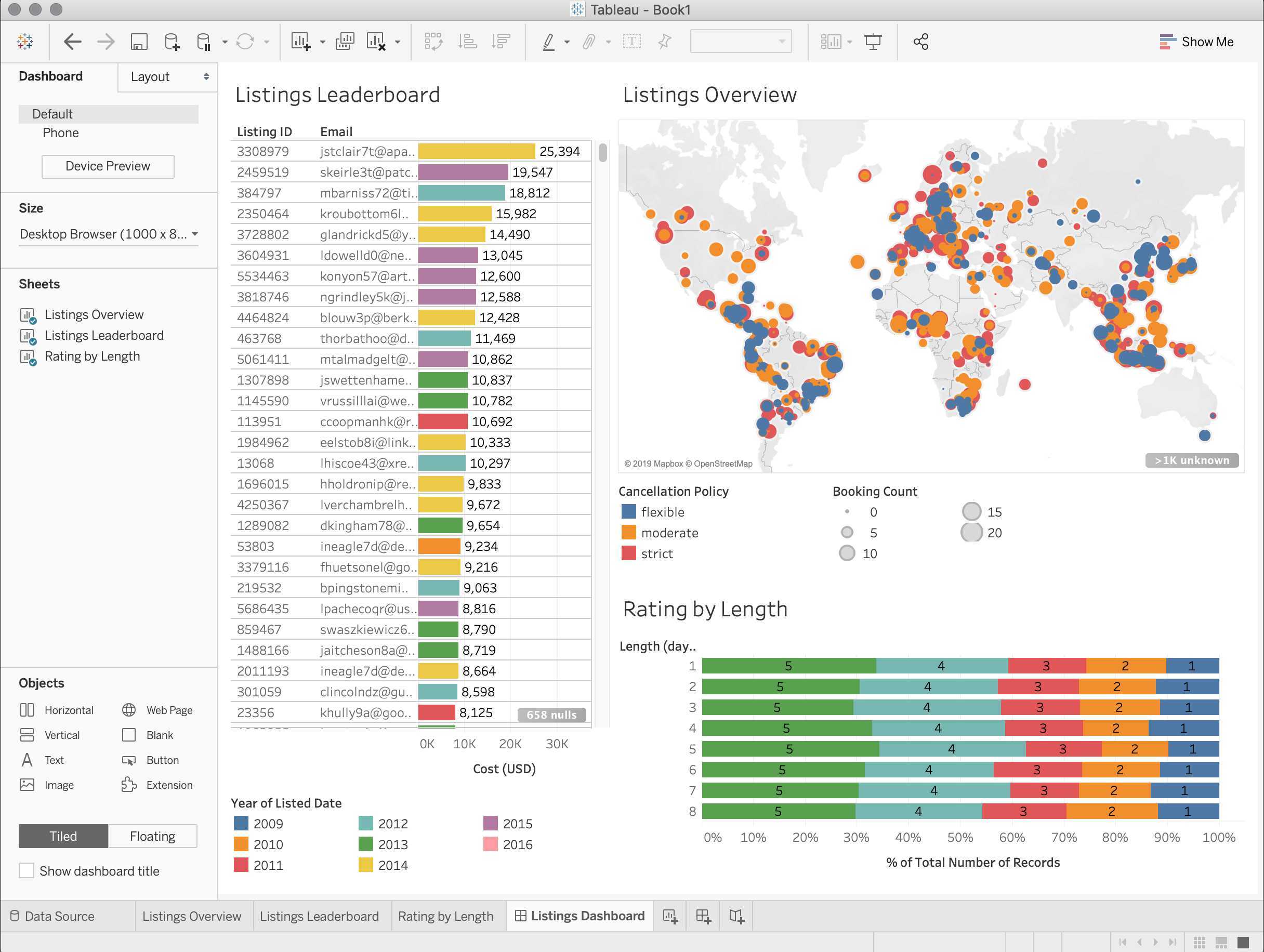
- Understand the purpose of dashboards and the basics of good layout and designBuild a simple dashboard using Tableau
- Arrange dashboard components clearly and logically using key layout principles to enhance readability and user navigation
- Integrate interactive elements, such as simple filters and tool-tips, to improve dashboard usability and engage users
- Navigate Tableau interfaces to effectively locate and use essential tools and features needed for dashboard creation
- Become familiar with the EEA design standards, employing consistent EEA fonts and specified, to maintain uniformity across dashboards.
- Export and share dashboards in formats suitable for EEA communications and reporting
Speakers

Roger Milego
expert
UBA
ETC DI geospatial expert using Tableau to visualize and analyze EU land, urban, and ecosystem data for EEA assessments.

Erika Orlitova
Expert
Gisat
ETC DI geospatial expert using Tableau to visualize and analyze EU land, urban, and ecosystem data for EEA assessments
Emanuele Mancosu
Expert
ETC-DI
ETC DI geospatial expert using Tableau to visualize and analyze EU land, urban, and ecosystem data for EEA assessments
Practical information
The workshop will be delivered as an interactive online session via Microsoft Teams, combining presentations with hands-on live demonstrations. This format offers flexibility and accessibility, allowing participants to join remotely from any location. The interactive nature of the workshop - including discussions and dedicated time for Q&A - encourages active participation and supports better knowledge retention. participants will receive sample data, workbooks, and presentation materials, enabling them to apply newly acquired skills in practice. A follow-up shared workspace via Teams will remain open for questions and peer support after the training
- The course will be held on September 10th from 10:00 - 12:30.
Offered by
The European Environment Agency provides sound, independent information on the environment for those involved in developing, adopting, implementing and evaluating environmental policy, and also the general public.