Dashboard Harmonization training
Mionsonraí an chúrsa
The course will be held on October 8th from 14:00 - 17:00.
An spriocphobal
This training is intended for beginners – staff at the EEA and ETCs who are new to Tableau or dashboard creation. No advanced technical background is required. Some basic understanding of data and visualisation principles is helpful, but not mandatory. The content will be tailored to those taking their first steps in dashboard design.
Cuspóirí foghlama
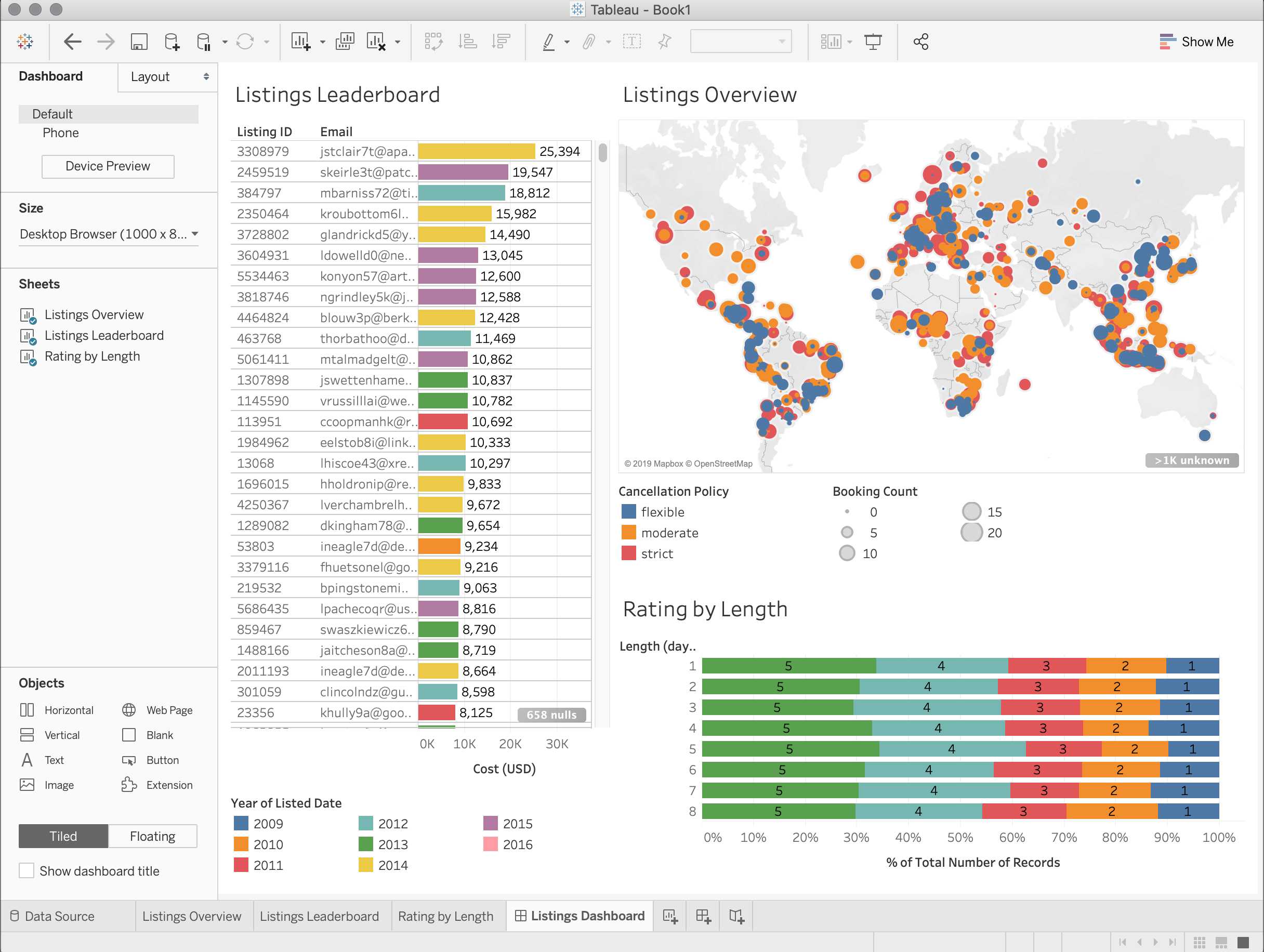
- Create and publish a basic harmonized dashboard that aligns with the EEA's visual identity and communication goals, understanding the steps from design to publication
- Arrange dashboard components clearly and logically using key layout principles to enhance readability and user navigation.Integrate interactive elements, such as simple filters and tooltips, to improve dashboard usability and engage users.
- Navigate the interfaces of Tableau to effectively locate and use essential tools and features needed for dashboard creation. Familiarize with design standards, such as employing consistent fonts and colors as specified by the EEA, to maintain uniformity across dashboards.
- Differentiat
Arna thairiscint ag
Tá an t‑inneachar seo á thairiscint ag an nGníomhaireacht E. Comhshaoil (EEA). Soláthraíonn EEA faisnéis iontaofa agus neamhspleách faoin gcomhshaol dóibh siúd a bhíonn páirteach i bhforbairt, glacadh, cur chun feidhme agus meastóireacht ar an mbeartas comhshaoil, agus don phobal i gcoitinne freisin
Sceideal
- Teams link to access the course
- Module 1: Dashboard Harmonization Principles and EEA Guidelines
- Module 2: Designing for Different Audiences
- Module 3: Technical Workshop: Tableau Dashboard Creation
- Module 4: Utilizing Tools and Software
- Module 5: Feedback and Review
- Conclusion: